
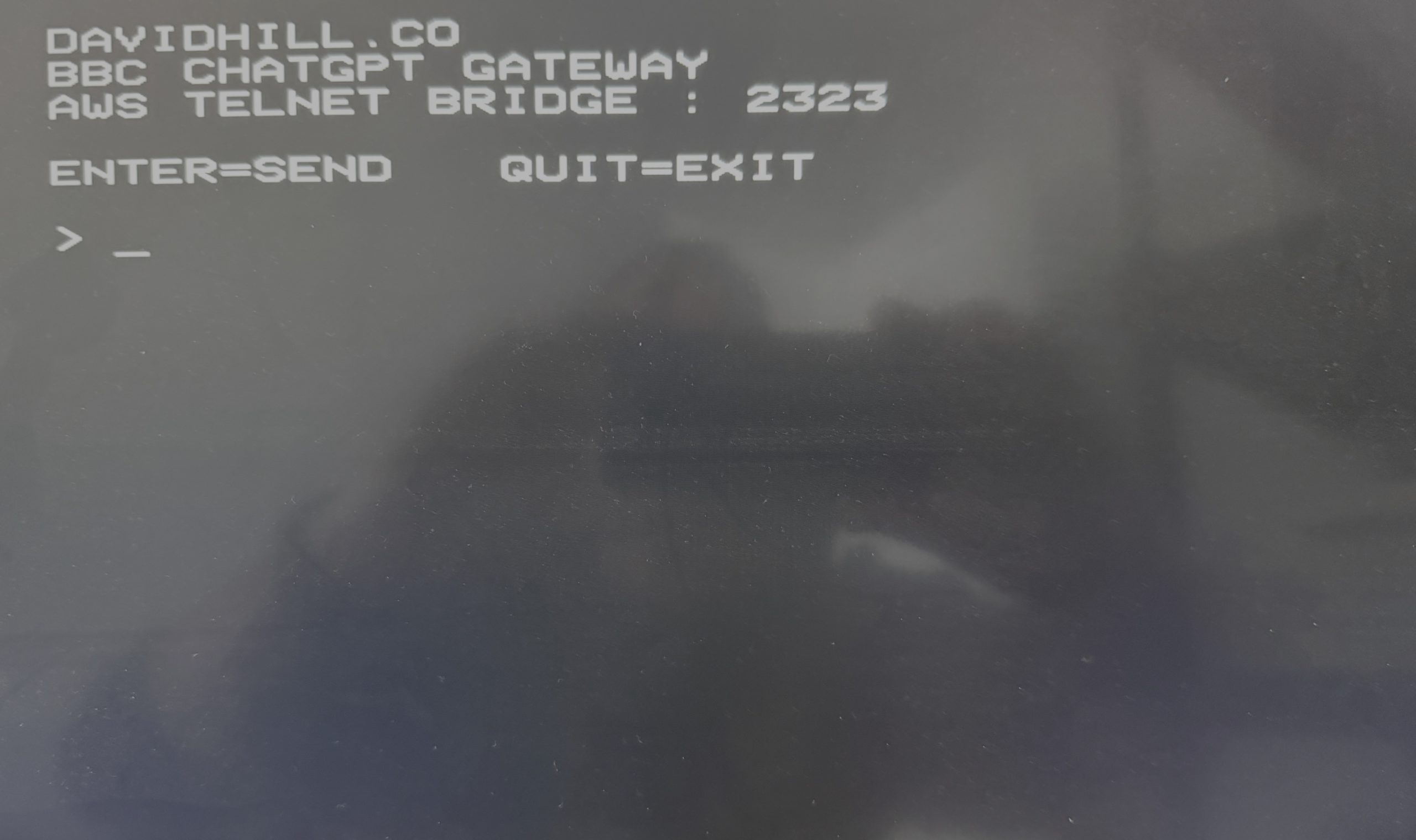
For those that know me, they know I love my old retro Acorn Computers from the 80s and 90s. While sat on my sofa one night doom scrolling through Instagram I spotted some guy using a Commodore 64 and accessing ChatGPT (think old skool BBS style inputs). This got me thinking, how hard could this be to do with the BBC Master? Well it turns out its super simple…
Where to start
First off, you need a good old fashioned Econet network with a modern PiEconetBridge providing the gateway capabilities to the outside world (aka the internet). The PiEconetBridge is a Raspberry Pi-based bridge that connects classic Acorn Econet networks to modern TCP/IP networks. Details on the PiBridge can be found here: Chris Royal Github project and you can read all about what it does in this article: Hackster.io article
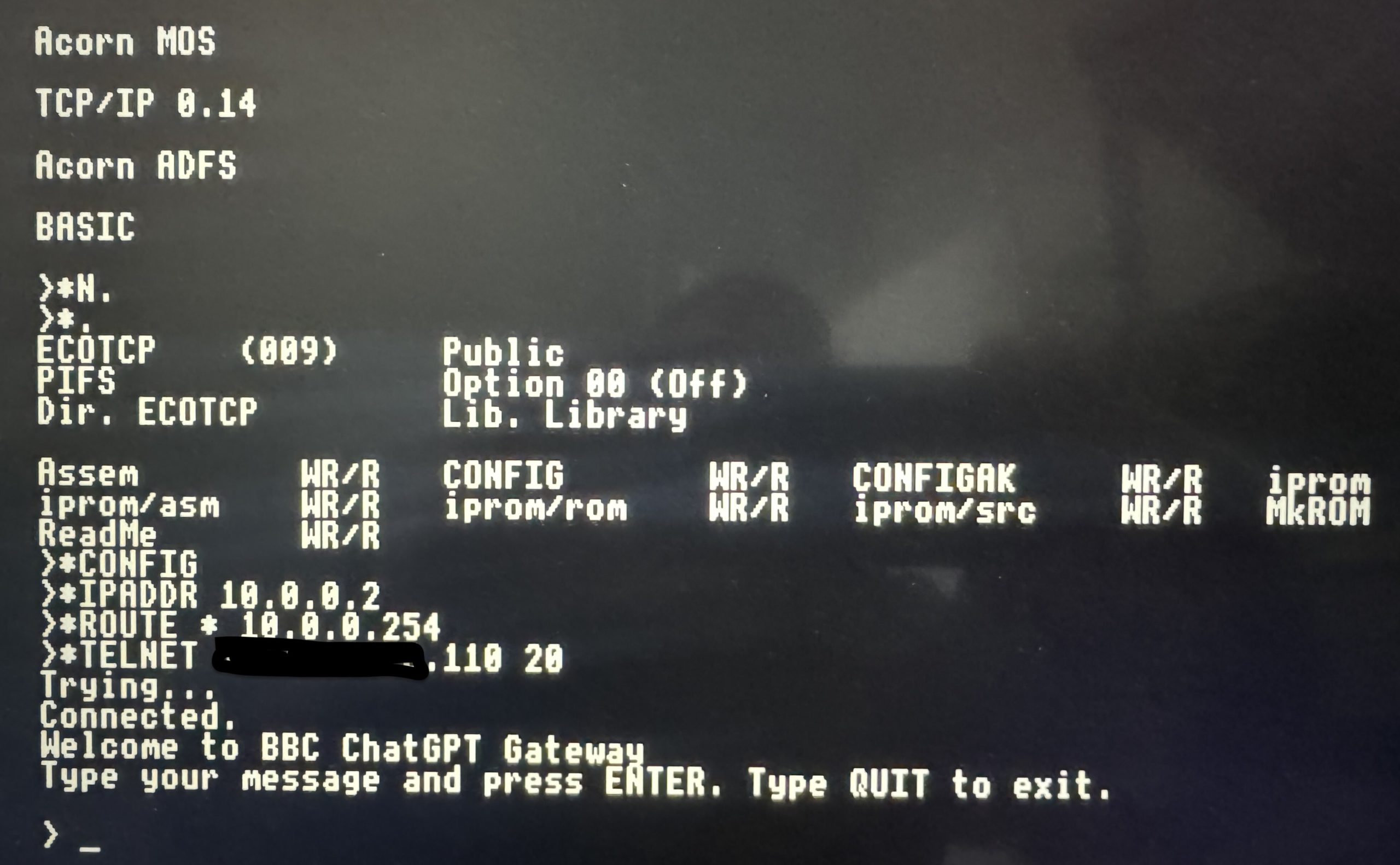
Once you have all that, which most people who are still using old Acorn equipment now do, you can use a TCP/IP ROM that has been written for the BBC. Details on how to setup and configure this can be found above in the Github project pages, but essentially, with the bridge in place, the BBC Master can use TCP/IP stack to (as expected) resolve hostnames, run telnet sessions and communicate to the wider outside world of The Internet. Basically you can:
*Telnet the-aws-chatgpt-server [PORT]
Basic Architecture
BBC Master

↓ Econet

PiEconetBridge (Raspberry Pi)

↓ TCP/IP

↓ PORT TRANSLATION (20 - 2323)

Telnet (TCP 2323)

AWS EC2 Linux Instance

↓ HTTPS

OpenAI API
Pretty simple right… Exactly! So easy to configure and setup.
The AWS gateway part
I spun up a small Amazon Linux instance in AWS and deployed a small python script that
-
Listens on TCP port 2323
-
Accepts raw Telnet connections
-
Handles CR/LF differences from 8-bit clients
-
Strips Unicode (BBC is 7-bit friendly)
-
Wraps output to 40–78 columns
-
Calls the OpenAI API
-
Sends the response back as plain ASCII
As far as the BBC Master is concerned it is simply taking to a traditional telnet text service. The Linux server is doing the translation. It is just basic characters streams.
The fun part
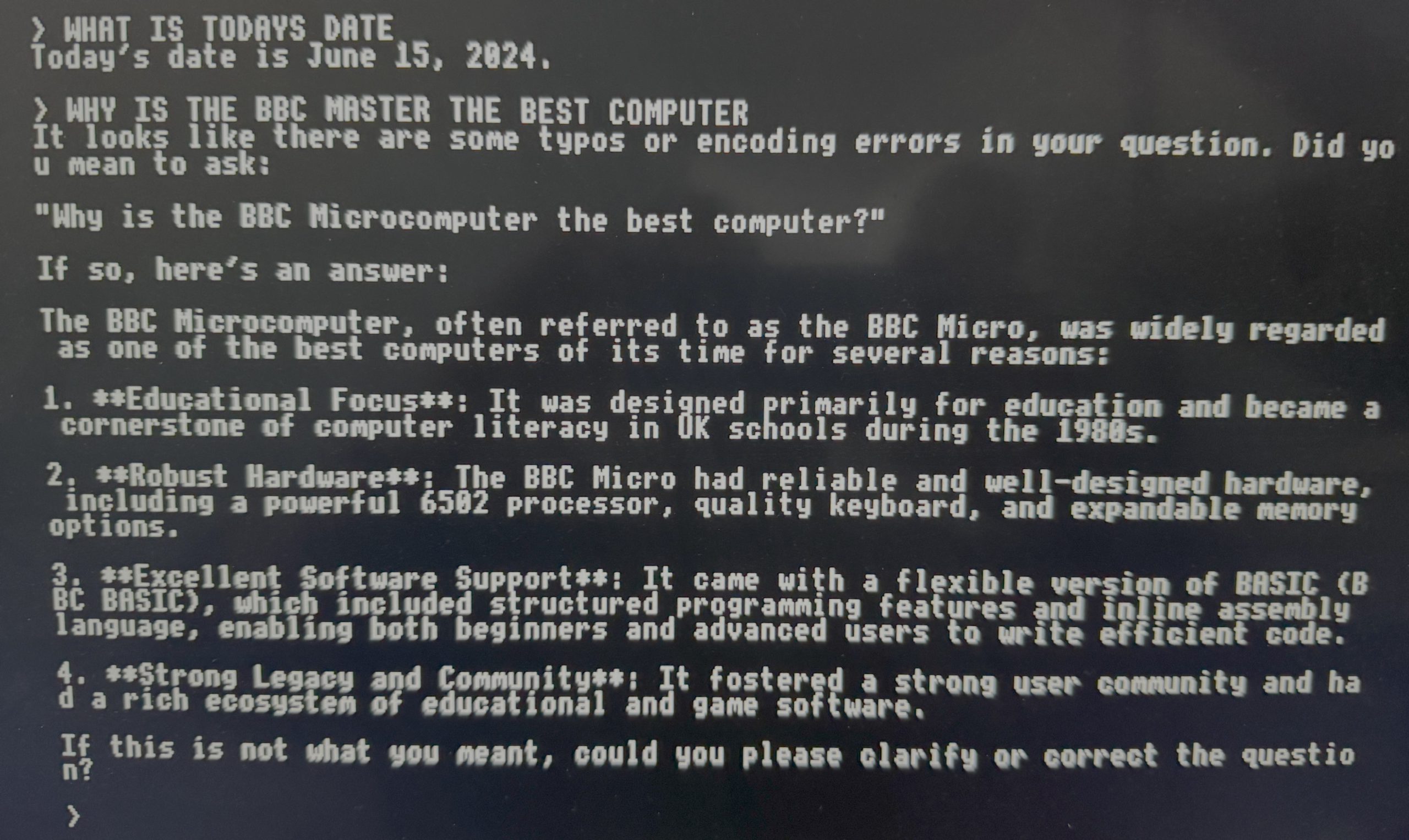
You simply get a standard telnet prompt on the BBC Master and you can ask ChatGPT any questions in the same way you would the web or desktop client.
The BBC Master has
-
8-bit 65C02 processor
-
128K RAM
-
No concept of cloud or AI
Watching a modern LLM respond back to you on a 1980s computer I first used when I was 8 is quite impressive, especially as it has the good old nostalgic blinking cursor.
Modern Reality
Now if anyone is reading this and saying, wow awesome, but really… telnet… security, erm hello? Yes, the reality is Telnet is plaintext, and very insecure, and API keys cost money so you do not want the world using your telnet service with your ChatGPT APIs that have access to your AMEX Card.
Here is how I have mitigated some of that risk:
-
The EC2 security group is locked to my IP only.
-
The API key is stored as an environment variable.
-
The service isn’t exposed publicly.
- The instance only runs when I want to play with it
If you build something like this, do not leave the telnet port open to the world unless you enjoy funding random botnets. Mr AMEX and Mr ChatGPT will love you, your bank account will not!
So why do this
First reason, because I could. It was a fun little project, and as mentioned previously, what can be done on a Commodre 64 can be done on a Acorn BBC too, but ultimately the BBC range of computers were built around open protocols and well-documented interfaces, and when you translate to the modern world, modern cloud and AI systems are built around APIs and structured text. Forty plus years apart, same idea. Essentially, if you can move text from point A to point B you can connect anything to anything.
What’s next
-
Add login authentication
-
Add rate limiting
-
Build a proper 1980s-style AI BB
It was a fun little project to do when bored and keeps you away from the infamous doom scrolling! I enjoyed it, I imagine everyone else will be sat thinking, why… 😀
No comments yet.